Home Courses Results Pricing About FAQ Contact Excel Fundamentals Advanced Excel & Data Analysis Professional Word Mastery PowerPoint & Presentation Design Outlook & Microsoft Teams Microsoft 365 Complete
Enroll Now
Outlook Course

Outlook & Microsoft Teams

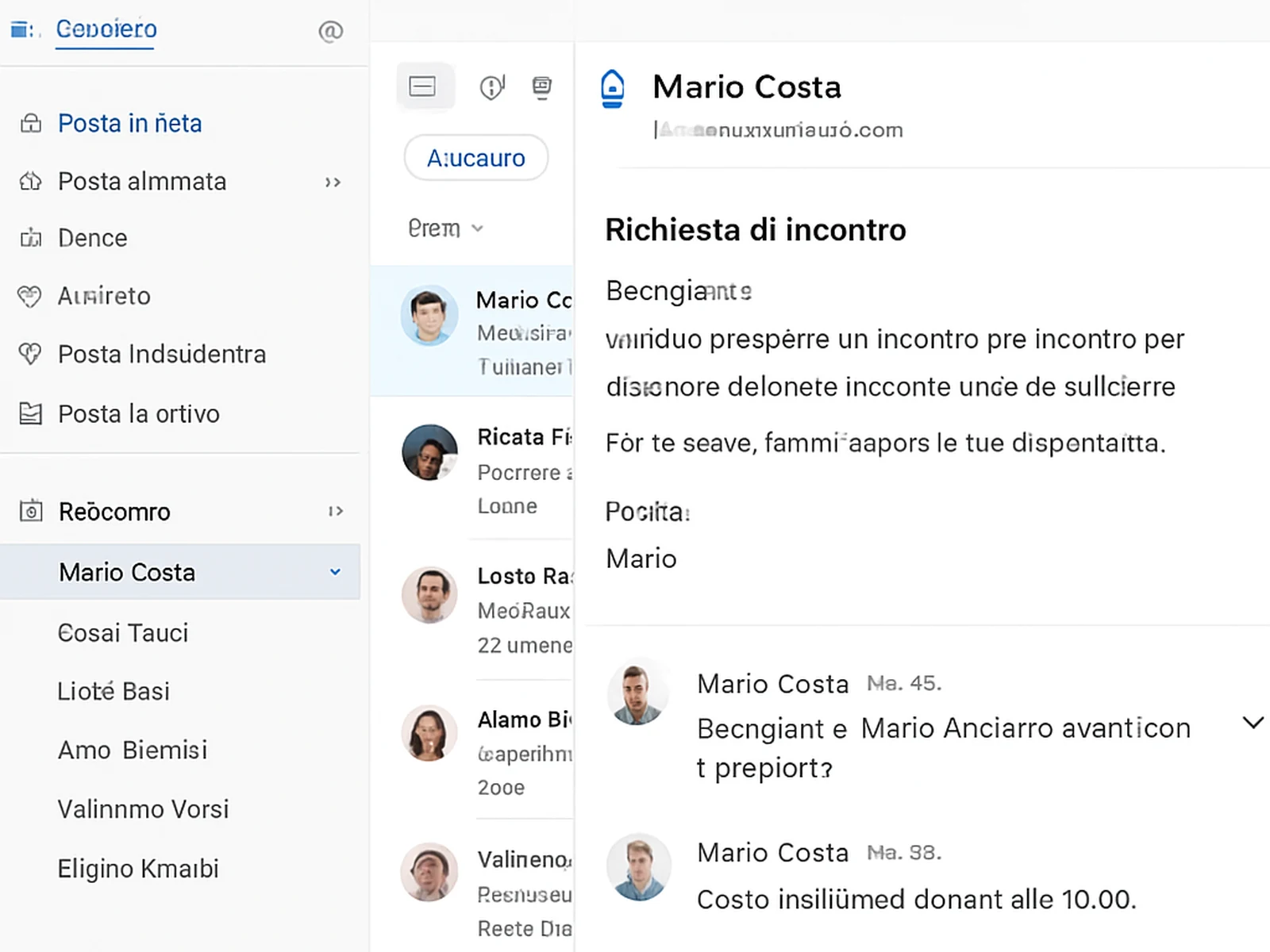
Email management, calendar, meeting scheduling, Teams channels, file collaboration, and the habits that keep you on top of your inbox instead of buried under it.

Enroll Now See bundles
Outlook & Microsoft Teams
8h
Hours
24
Lessons
Intermediate
Level
€99.30
Price

The problem with most email training is that it focuses on features instead of systems. Knowing that rules and folders exist is not the same as having a working system that keeps your inbox under control.

This course is built around outcomes. By the end you will have a folder and rule structure that sorts your incoming email automatically, a calendar workflow for scheduling meetings without the back-and-forth, and a Teams setup that reduces unnecessary email by routing communication to the right channel.

The Teams section covers both the communication and collaboration sides. How channels work, how to use tabs to organize project resources, how to manage notifications so Teams does not become the same inbox problem email already is, and how to use Teams meetings effectively.

The habits section covers the behaviors that determine whether these tools work for you or against you: batch processing email, using categories and flags effectively, and integrating Outlook and Teams so they support each other.

Course curriculum

Module 1: Outlook Email System
Inbox zero methodology
Rules and folders
Quick steps
Search and filtering
Module 2: Calendar Mastery
Scheduling best practices
Meeting requests
Recurring events
Calendar sharing
Module 3: Teams Foundations
Teams structure and channels
Chat vs channels
Files and tabs
Apps integration
Module 4: Collaboration
File sharing and co-authoring
Meetings and recordings
Breakout rooms
Guest access
Module 5: Workflow Integration
Connecting Outlook and Teams
Notification management
Status and availability
Delegation

What is included

24 on-demand video lessons
8 hours of content
Email system template
Teams setup guide
Certificate
Lifetime access

Delivery: Immediate access after purchase.

Student feedback

"My inbox was at 2,000+ unread. After setting up the system from this course, I was at zero in four hours and have stayed there for six months."

Giuseppina T., Roma
Ready?

Start Outlook & Microsoft Teams today.

Access is immediate. Lifetime access. Certificate included.

Enroll Now Browse all courses

We use cookies. Learn more.

TopCoursesOnline
Replies within a few hours
Message sent!